

本教程用于开启桌面右键菜单的win7模式个性化,效果图:
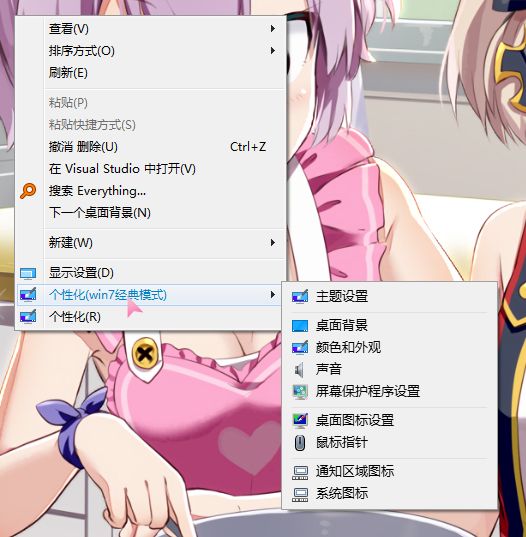
此方法出自tenforums
原文名称:How to Add or Remove Personalize (classic) context menu in Windows 10
作者:Shawn Brink
Personalization includes your account’s theme settings, desktop background, color and appearance, sounds, screen saver settings, desktop icon settings, mouse pointers, Notification Area Icons, and System Icons.
In Windows 10, the personalization settings are all moving to the Settings app.
The Personalize (classic) context menu will open the personalization settings directly from their classic Control Panel location instead of from the Settings app.
This tutorial will show you how to add or remove a Personalize (classic) desktop context menu for all users in Windows 10.
While you must be signed in as an administrator to be able to add or remove the “Personalize (classic)” context menu, all users will be able to use the context menu.
各类选项分别对应:
主题设置
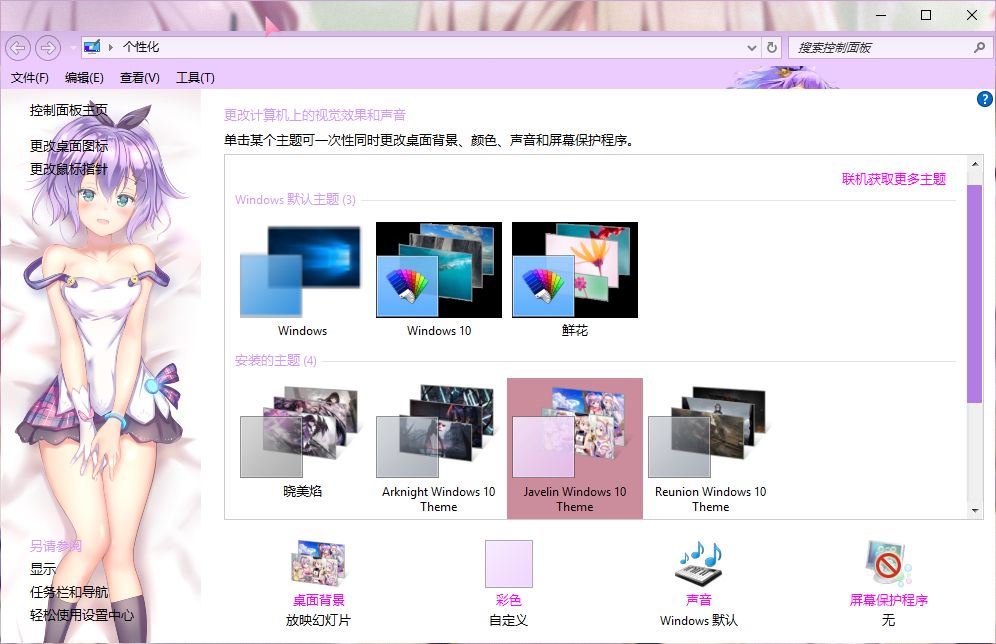
桌面背景
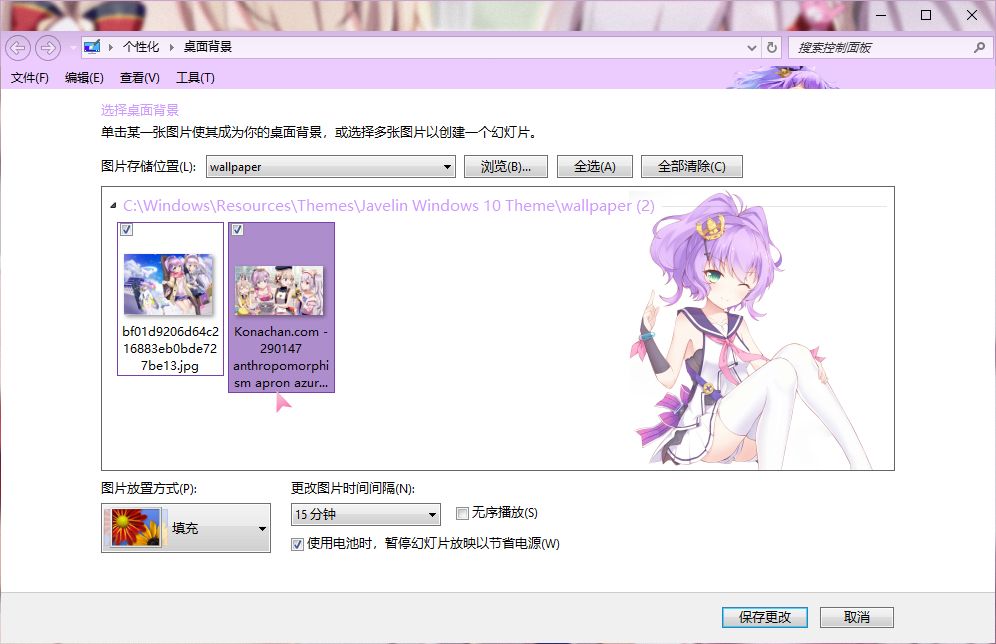
颜色和外观
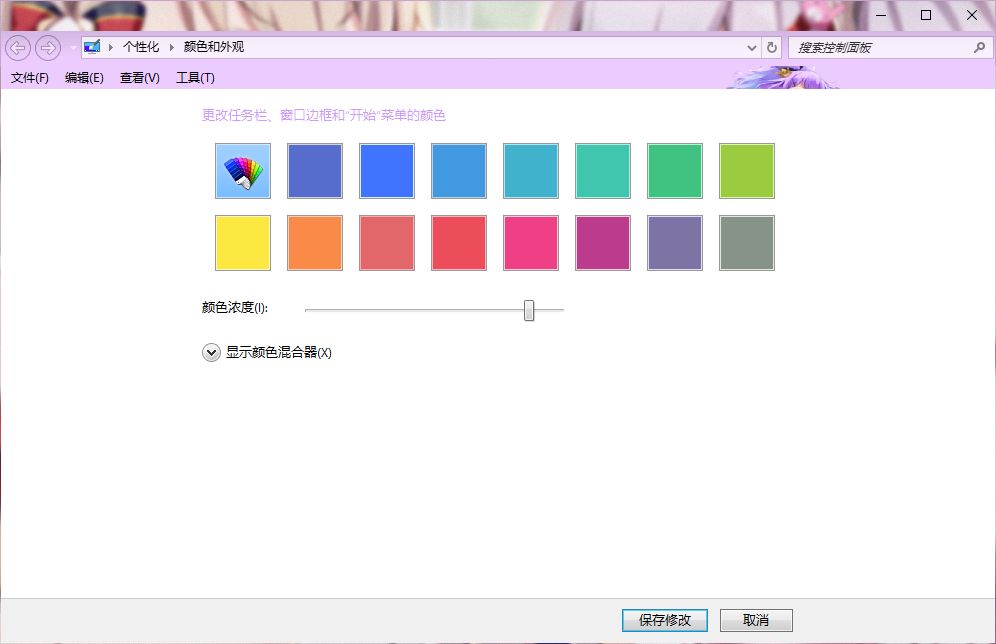
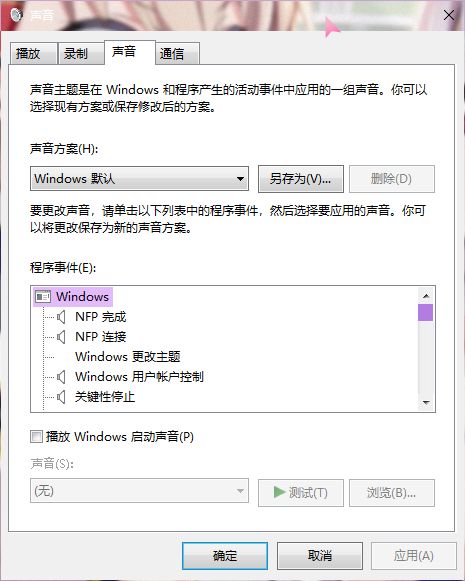
声音
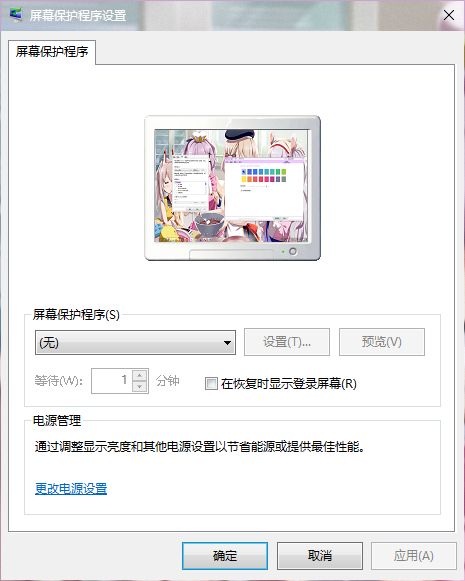
屏幕保护程序设置
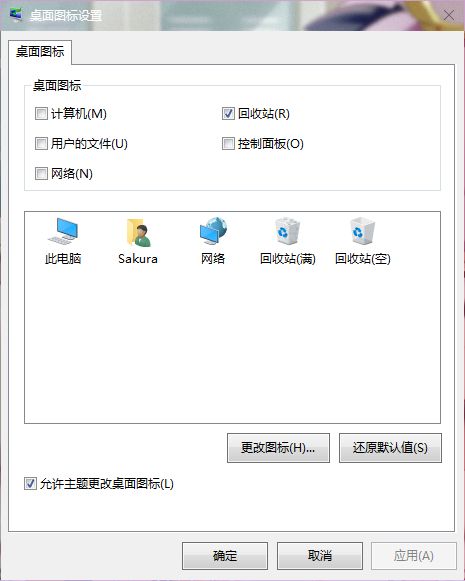
桌面图标设置
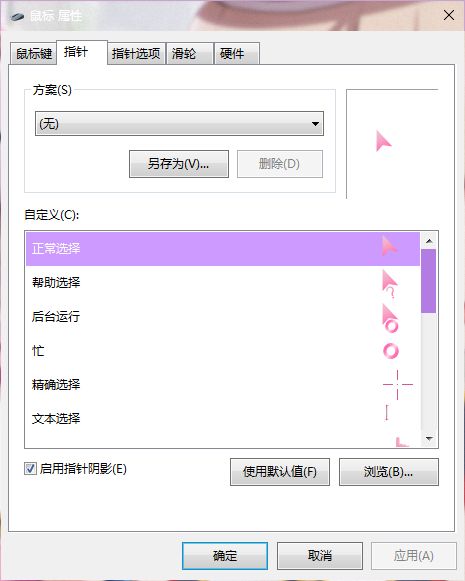
鼠标指针
通知区域图标
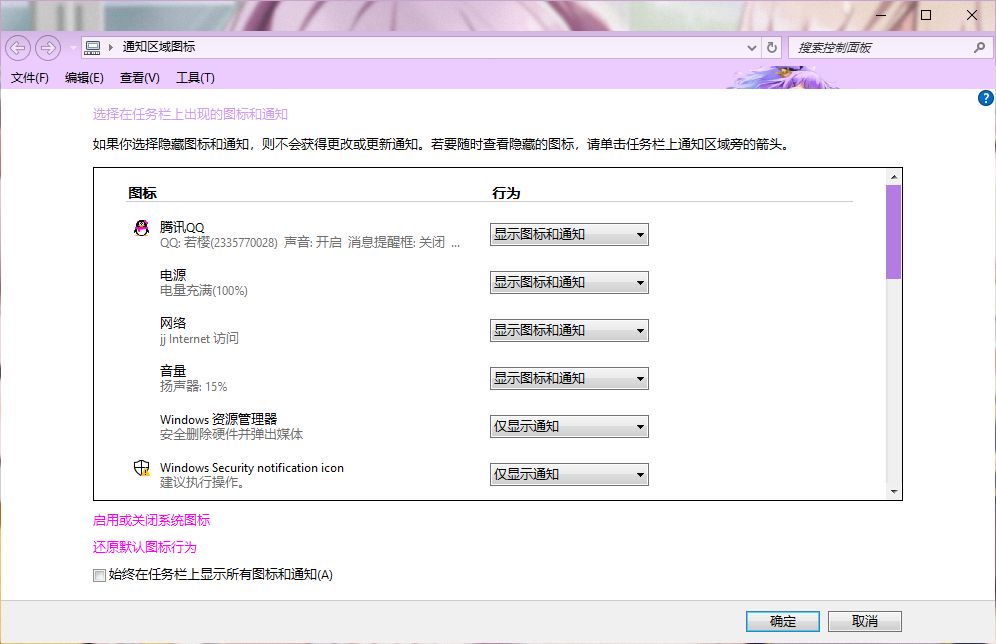
系统图标
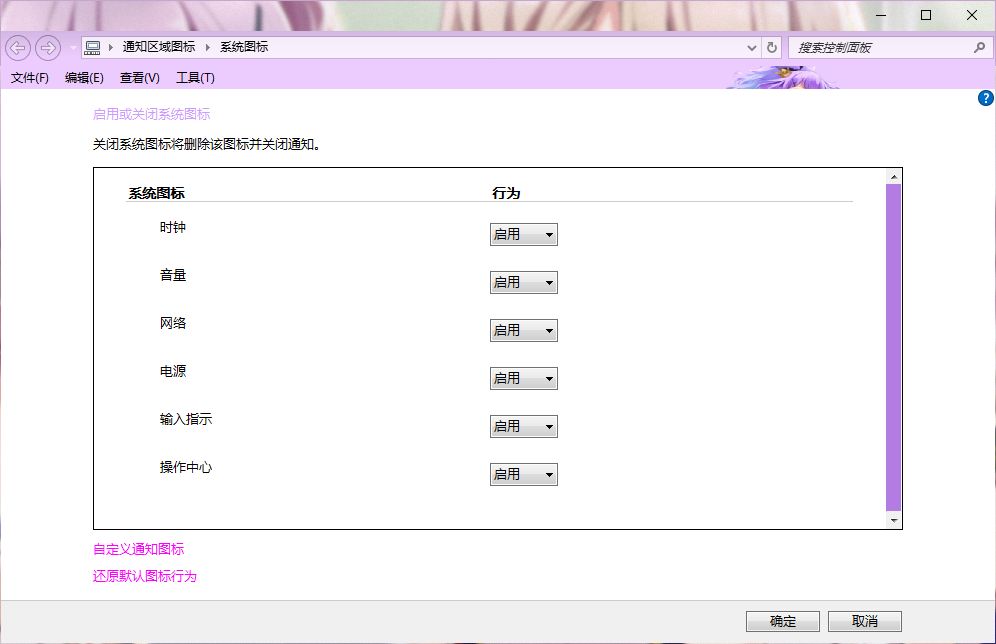
实现方法
通过注册表的形式,下载文件 -双击运行-确定-完成
文章资源
2 个附件附件暂未解锁
登录后可见